Everything you need for day-to-day warehouse operations
Seven modules that form one operational layer. Basic includes Allocator and Crew Planner; Pro and Enterprise unlock every module.
Rule-based container allocation
Allocator
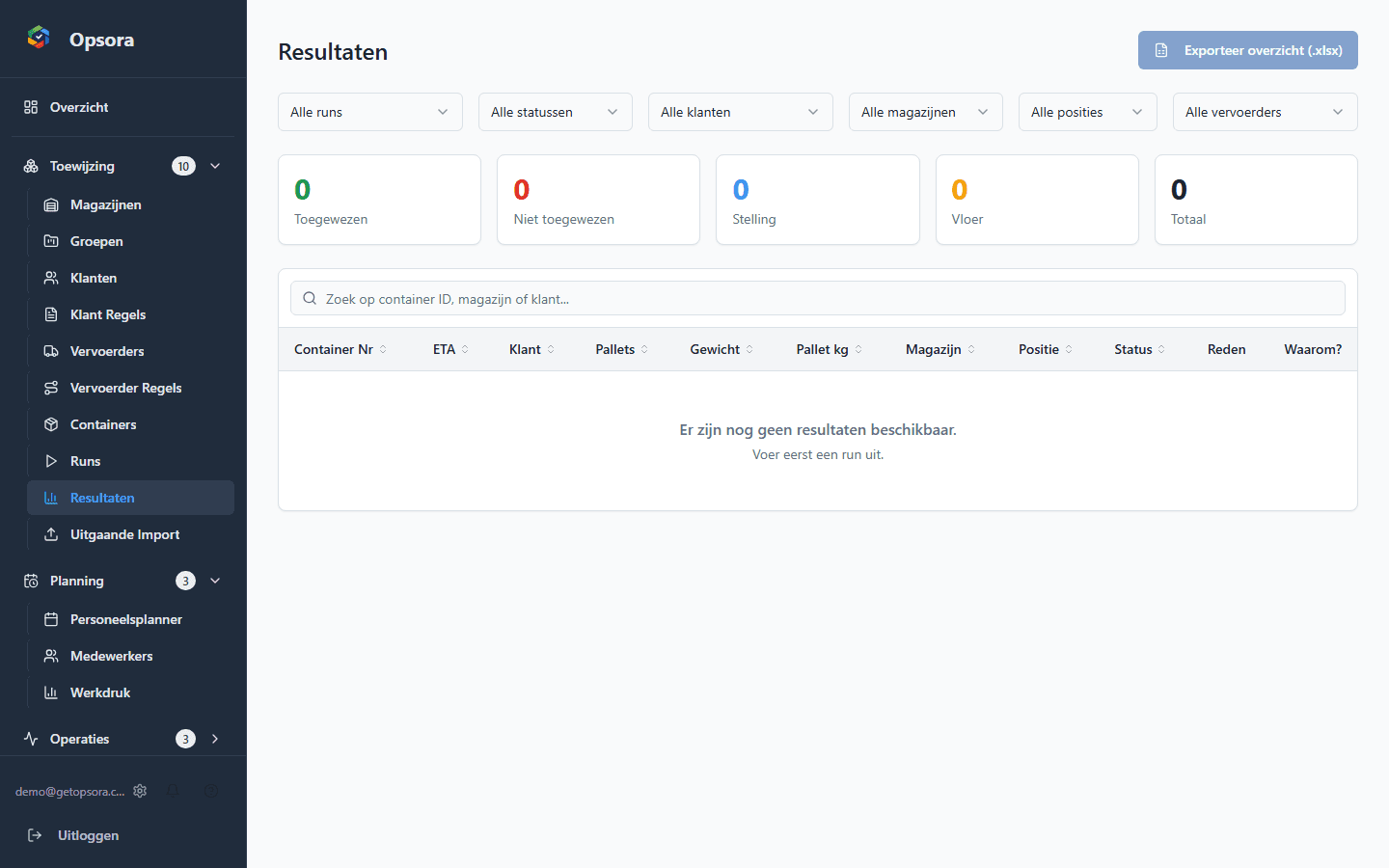
Allocate inbound containers to warehouses using capacity, customer rules, carrier restrictions and priorities. Use simulations to review scenarios before applying results.
- Capacity, customer rules and priorities in one allocation flow
- Simulation mode for scenarios
- Allocations and runs recorded centrally
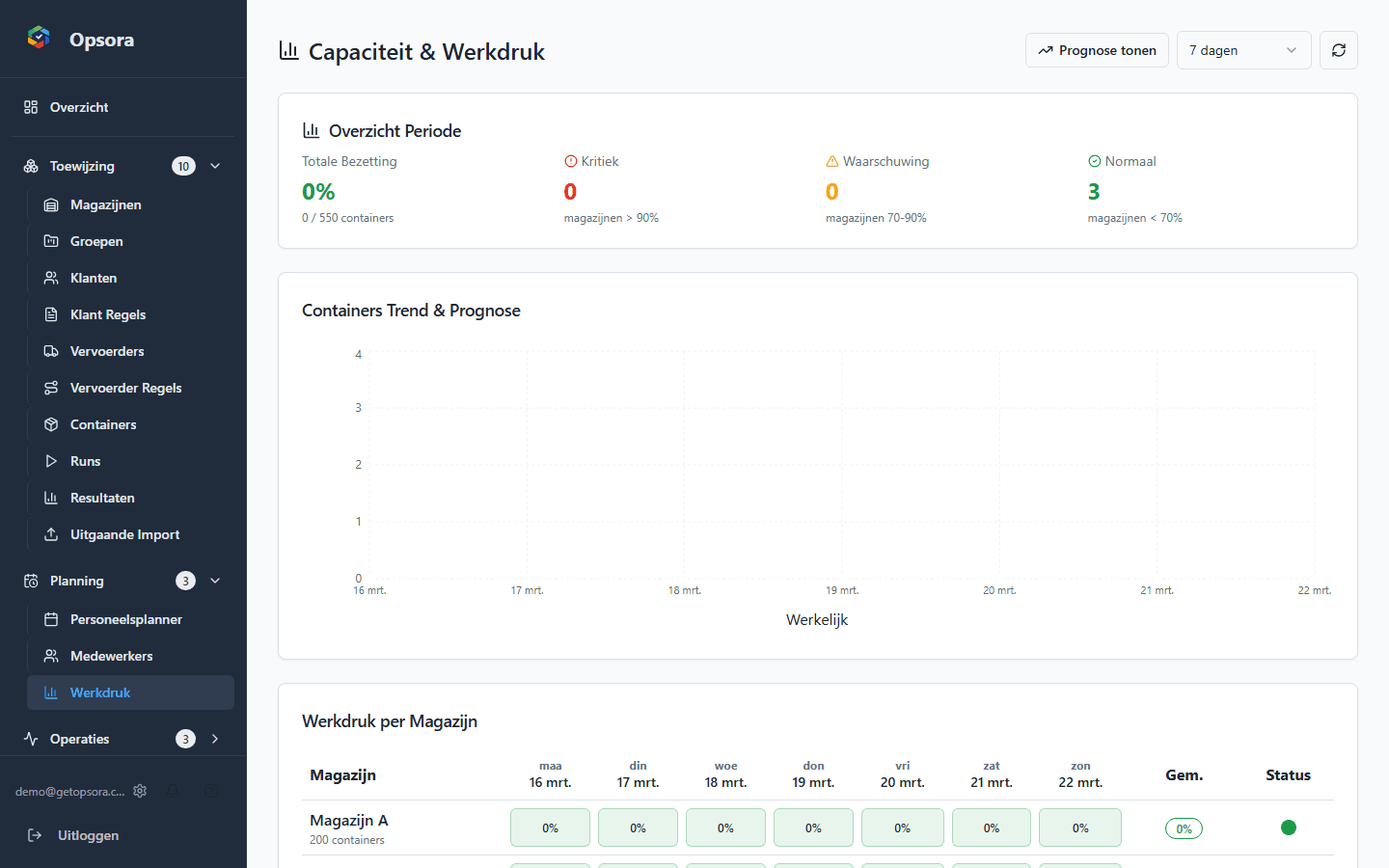
Look ahead at workload
Capacity & Workload
View operational workload per warehouse and use workload forecasting to look up to seven days ahead.
- Workload per warehouse
- Forecast up to seven days ahead
- Support for capacity and staffing decisions
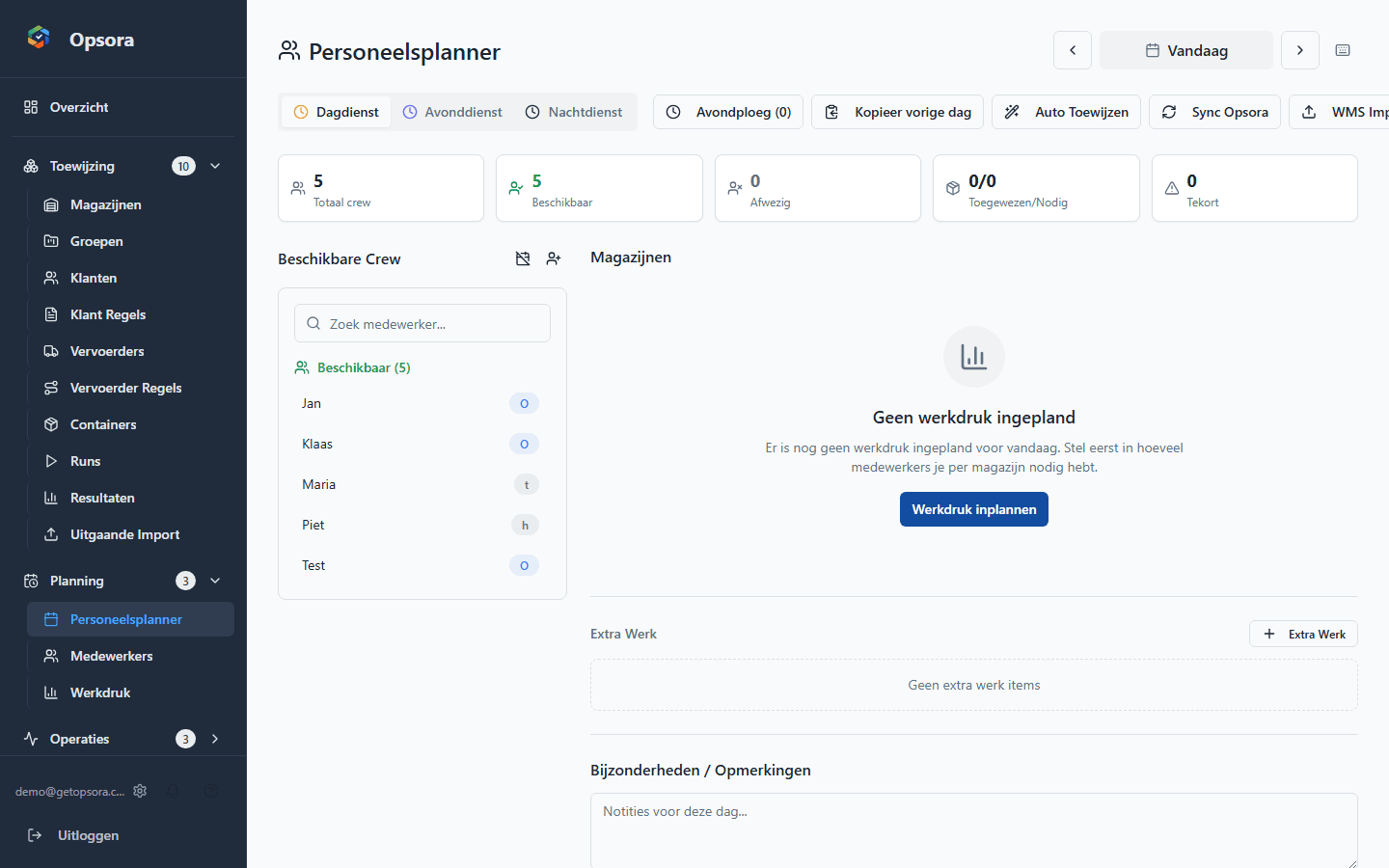
Plan day and evening crews
Crew Planner
Plan crews with drag-and-drop, day and evening shifts and support for availability, work zones and relevant crew attributes. Shiftbase can synchronise crew data.
- Day and evening planning
- Drag-and-drop and automatic assignment
- Existing Shiftbase HR integration for crew data
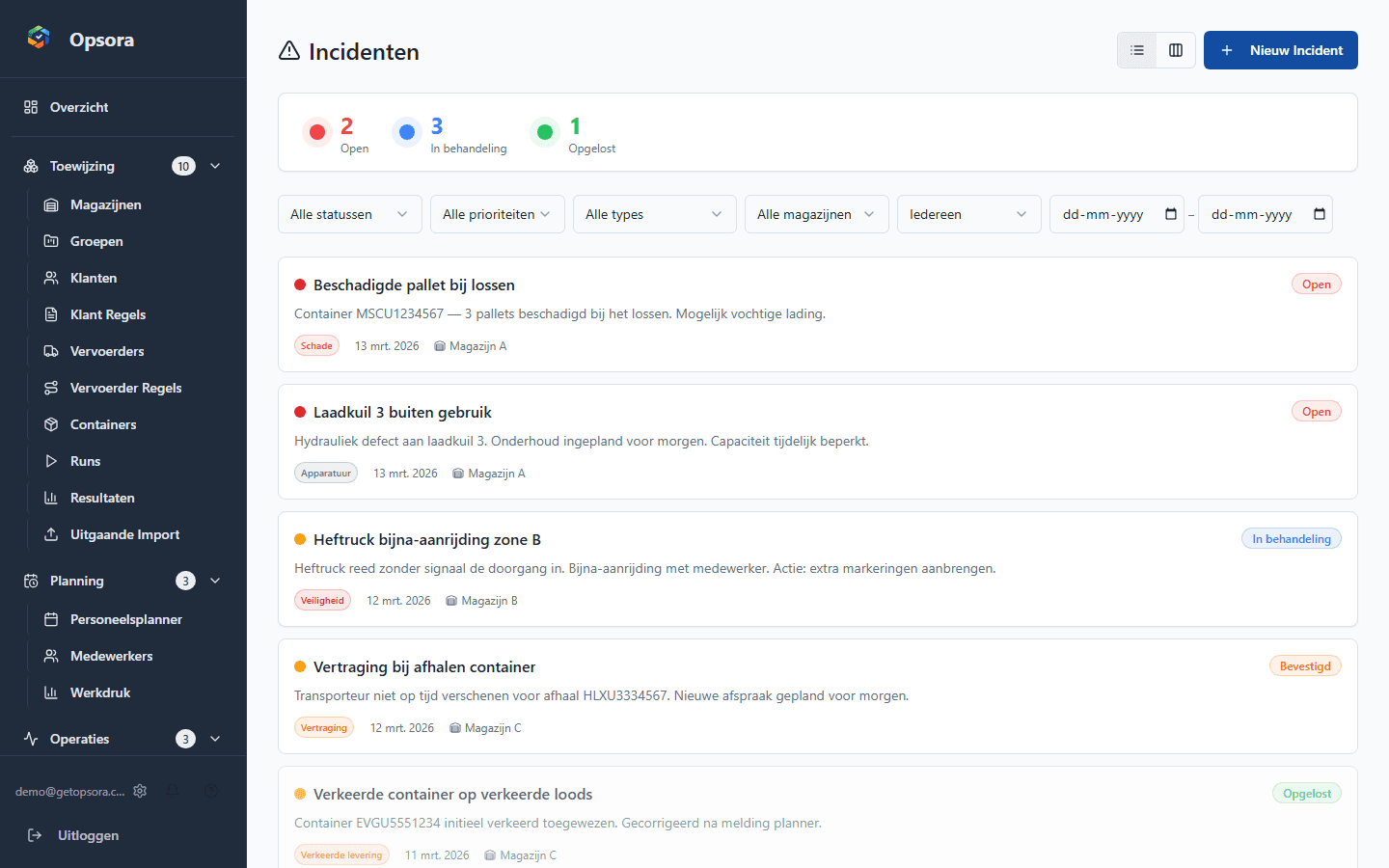
Track operational issues centrally
Incident Manager
Register incidents and track status, comments and attachments from one operational view.
- Incidents and statuses in one place
- Capture comments and attachments
- Connect issues to daily operational follow-up
One view for the start of a shift
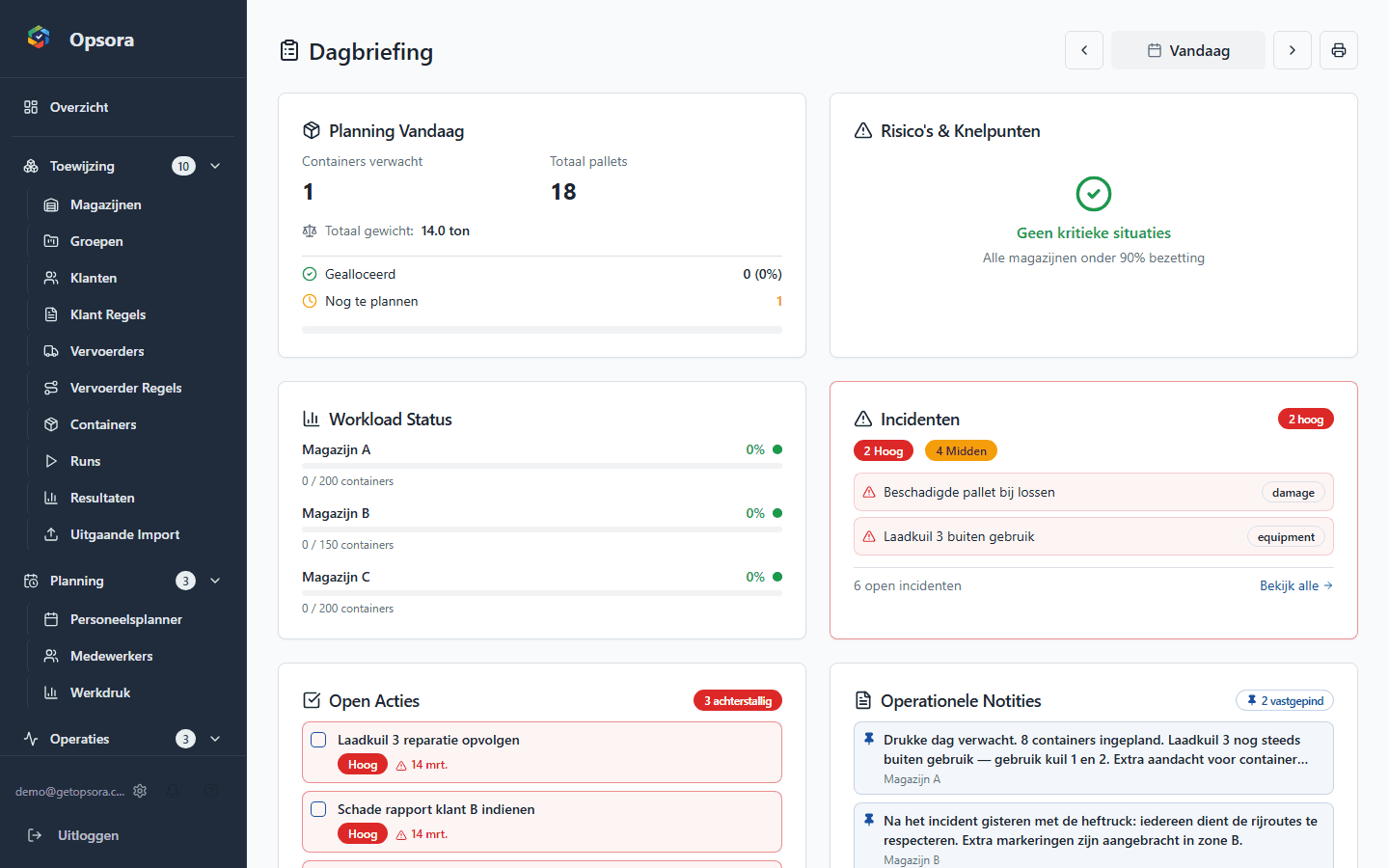
Daily Briefing
Bring relevant planning, workload, incidents and open actions together in a daily team briefing.
- Planning and workload together
- Incidents and actions visible
- Briefing reflects active modules
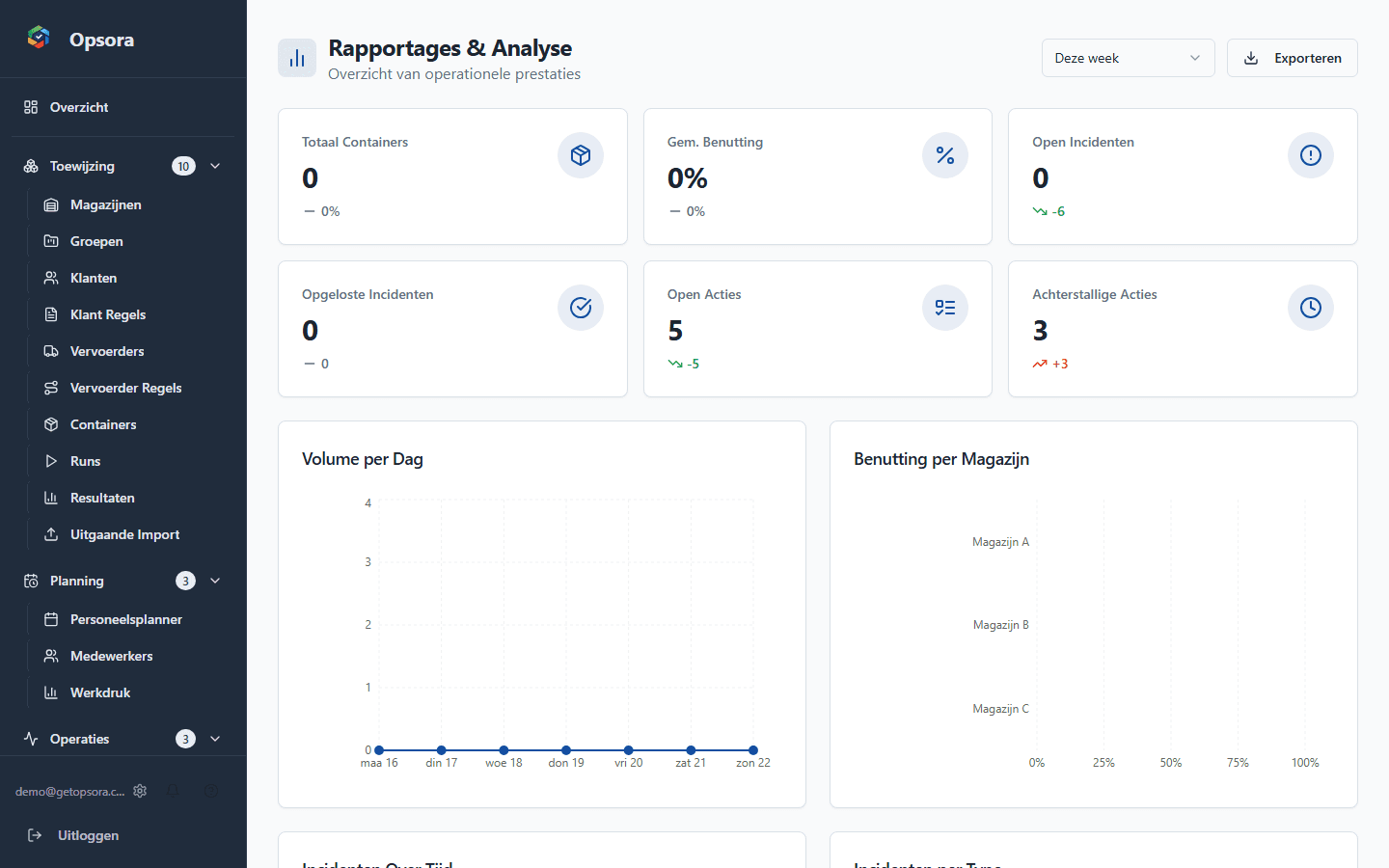
Operational KPIs and trends
Analytics & Reports
Review KPIs and trends across operational data. Pro and Enterprise include exports and reporting in relevant modules.
- KPI overviews
- Trend analysis across operational data
- Exports available on Pro and Enterprise
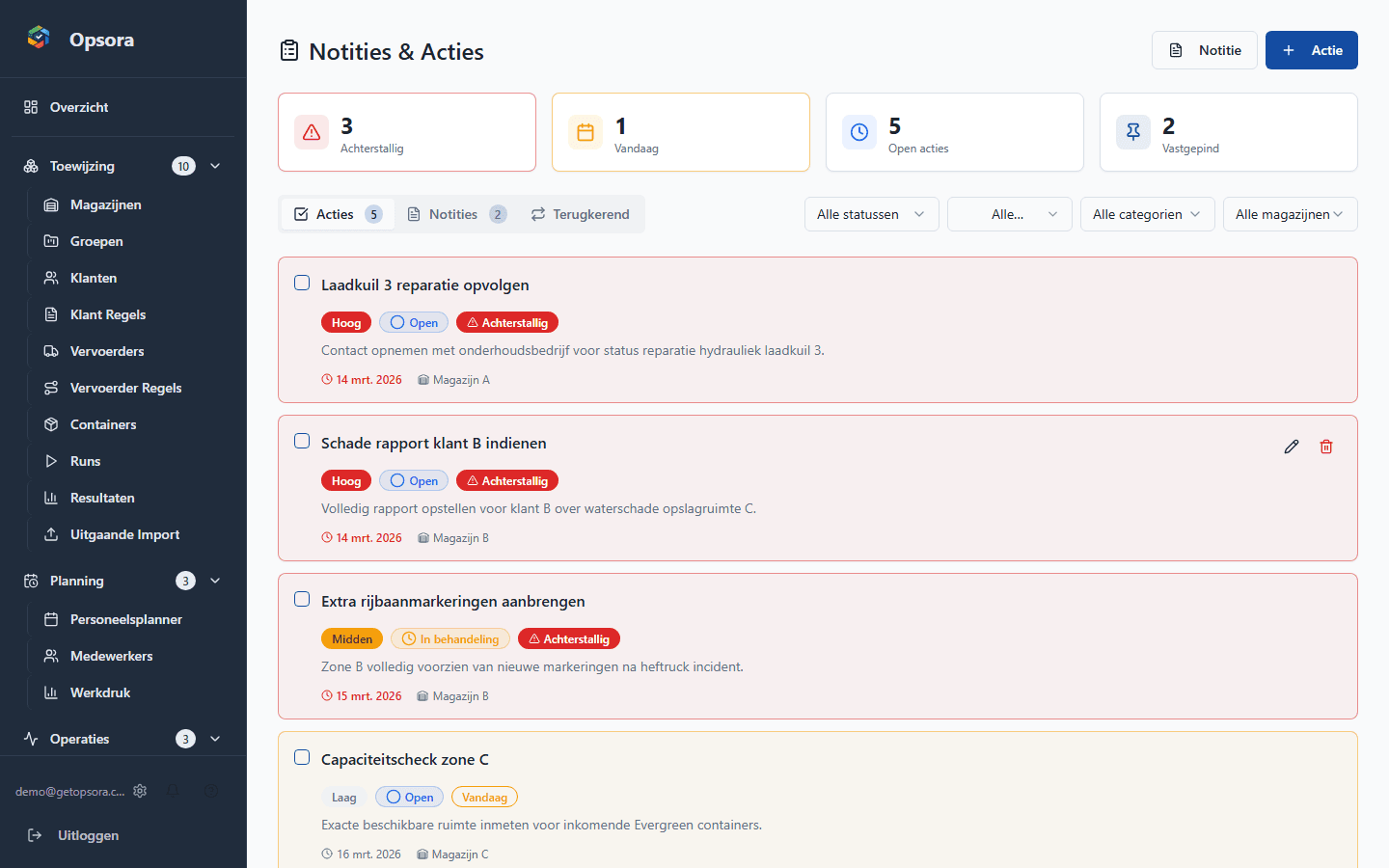
Capture operational agreements
Notes & Actions
Capture notes and manage action items with owners, deadlines, tags, priorities and recurring tasks.
- Tagged notes
- Actions with owner and deadline
- Recurring tasks through recurrence rules
Platform capabilities
Beyond the modules, Opsora provides security, import capabilities and integrations for the operational layer.
WMS & HR integrations
Import data through Excel/CSV and synchronise crew data through the existing Shiftbase HR integration. Other custom integrations are scoped per customer.
Security & permissions
MFA, configurable roles and permissions, audit logging and Row Level Security help keep company data and access strictly separated.
Works across devices
Use Opsora through the browser on laptop, tablet or phone. The interface is also tested at mobile screen sizes.
Import & export
Import container data from Excel/CSV with flexible column mapping. Pro and Enterprise support exports in relevant modules.
Curious how Opsora fits your operation?
Book a demo and we will look at which modules and setup match your processes.